

If you are trying to access Windstream email login or looking for help with Windstream webmail settings, this guide explains everything you need to know. Many users rely on Windstream email to send messages, manage contacts, and stay connected through their internet service provider.
The email service is offered by Windstream Communications, a telecommunications company in the United States that provides broadband internet, phone services, and cloud networking solutions.
This article will show you how to log in to Windstream email, configure your email settings, and fix common Windstream email problems.
What Is Windstream Email?
Windstream email is a web-based messaging service provided to customers of Windstream Communications. It allows users to send, receive, and manage emails through a secure webmail interface or email applications.
Windstream email addresses usually use domains such as:
- @windstream.net
- @windstream.com
Users can access their inbox from any device including:
- Desktop computers
- Smartphones
- Tablets
- Email apps like Outlook or Apple Mail
Because it works online, users can log in from anywhere with an internet connection.
Windstream Email Login Guide
Accessing your Windstream email account is simple if you follow these steps.
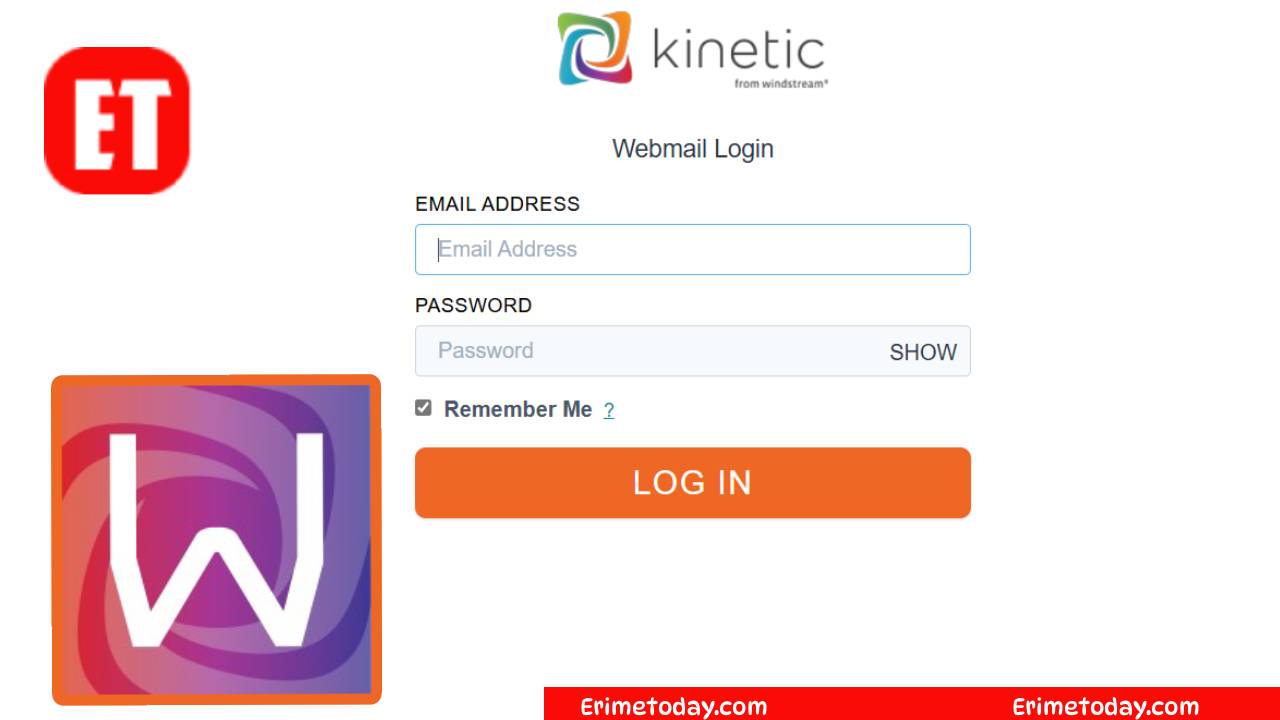
Step 1: Visit the Windstream Webmail Page
Open your web browser and navigate to the official Windstream Webmail login page.
Step 2: Enter Your Windstream Email Address
Type your Windstream email address in the login field.
Example format:
Step 3: Enter Your Password
Enter the password associated with your email account.
Step 4: Click the Login Button
Once logged in, you will be able to:
- Read incoming messages
- Send new emails
- Organize your inbox
- Manage contacts and folders
Windstream Email Server Settings
If you want to use Windstream email in applications such as Outlook or Gmail, you will need the correct email configuration settings.
Incoming Mail Server (IMAP)
- Server: imap.windstream.net
- Port: 993
- Encryption: SSL
Outgoing Mail Server (SMTP)
- Server: smtp.windstream.net
- Port: 465 or 587
- Encryption: TLS / SSL
These settings allow your email to synchronize across devices.
About Windstream Communications
Here are some key facts about Windstream Communications:
- Founded: 2006
- Headquarters: Little Rock, Arkansas, United States
- Employees: Over 8,000
- Industry: Telecommunications and Internet Services
Services Provided by Windstream
Windstream offers a wide range of technology and communication services including:
- High-speed broadband internet
- Voice over IP (VoIP) phone services
- Cloud networking solutions
- Managed IT services
- Unified communications platforms
- Data center infrastructure
These services support businesses and residential customers across the United States.
Common Windstream Email Problems and Fixes
Many users occasionally experience issues with their Windstream email account. Below are some common problems and how to fix them.
Windstream Email Login Not Working
Possible causes include:
- Incorrect password
- Browser cache problems
- Temporary server downtime
Solution:
Clear your browser cache or reset your password if needed.
Windstream Email Not Sending Messages
Sometimes users cannot send outgoing emails.
Possible reasons include:
- Incorrect SMTP settings
- Large attachments
- Network connection issues
Ensure your outgoing mail server settings are correct.
Windstream Email Not Loading
If your inbox is not loading properly:
- Try refreshing the page
- Use a different browser
- Disable browser extensions temporarily
These steps often fix loading problems.
Recap
Windstream email is a reliable communication service provided by Windstream Communications. Whether you are logging in through webmail or setting up your email in Outlook, understanding the correct settings and troubleshooting steps can help you manage your inbox smoothly.
If you frequently rely on Windstream internet services, knowing how to access and manage your email account ensures you never miss important messages.

Erime Editor is the official editorial account of ErimeToday. Articles published under this name are created, reviewed, and managed by the ErimeToday editorial team to deliver helpful guides, technology tips, relationship advice, daily accurate word game answers, anime updates, gaming content, manga insights, news, and useful resources for readers around the world.